

How Small Businesses Can Use AI to Save Time
Discover practical ways small businesses can use AI to automate repetitive tasks, manage customer communication, organize work, and save valuable time.
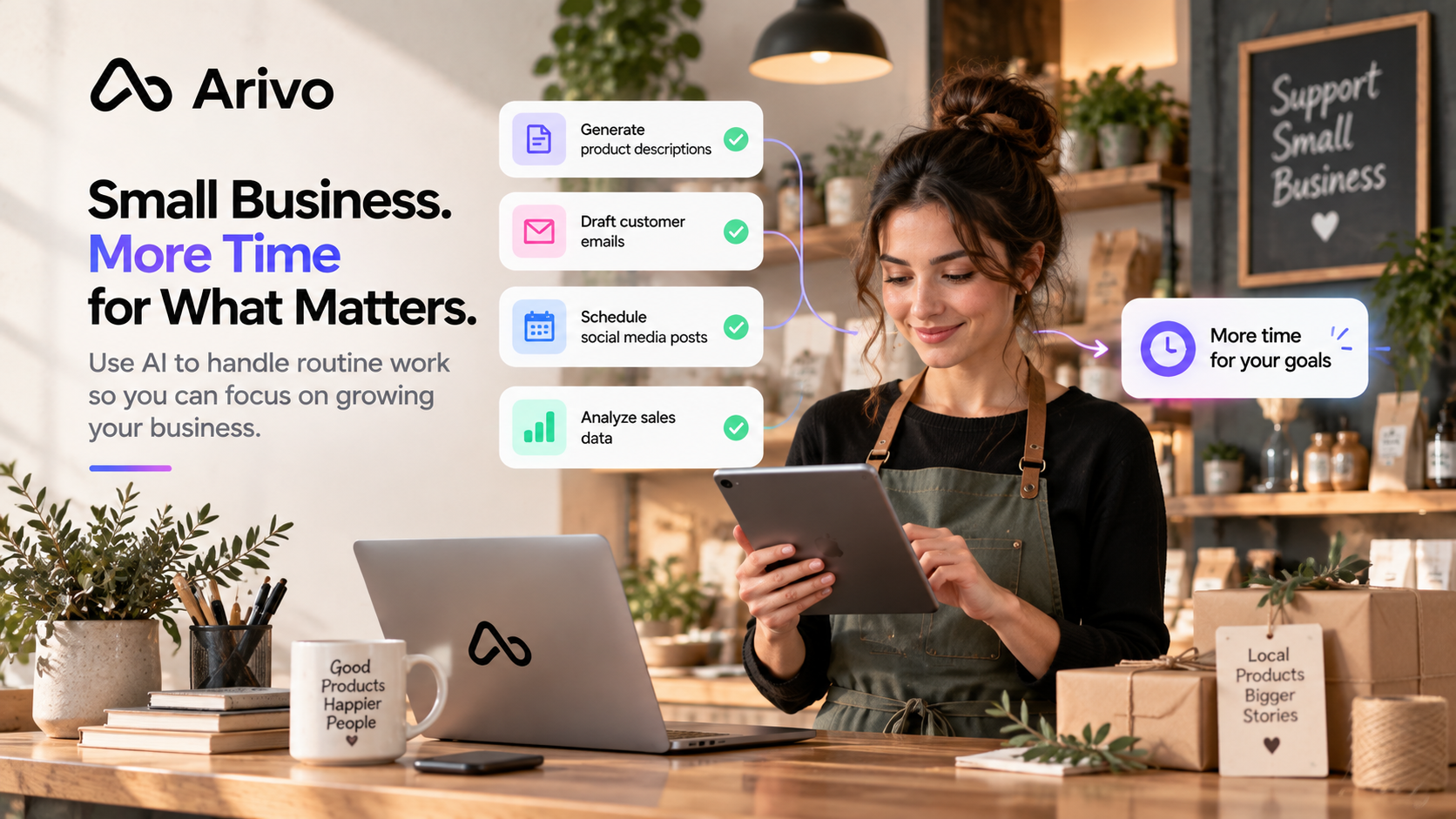
Introduction
Small businesses often have to do a lot with limited time and resources.
Owners and small teams may handle customer communication, documents, marketing, spreadsheets, administration, and daily operations at the same time.
AI can help reduce some of this workload by organizing information, preparing drafts, simplifying repetitive tasks, and supporting everyday workflows.
In this guide, you’ll learn practical ways small businesses can use AI to save time without adding unnecessary complexity.
1. Handle Routine Customer Communication Faster
Customer communication can take a large part of the day.
Small businesses often answer similar questions about:
- products or services;
- availability;
- appointments;
- delivery;
- order updates;
- business hours;
- next steps.
AI can help prepare first drafts for routine replies, follow-ups, and customer updates.
You still review important messages before sending them, but you no longer need to write every response from scratch.
This can save time while keeping communication consistent.
2. Organize Customer Requests and Information
Customer information often arrives through different channels and in different formats.
AI can help turn unstructured requests into something easier to work with.
For example, a customer message could be organized into:
Customer
Request
Priority
Important details
Next action
Instead of manually reading and reorganizing similar information every time, AI can prepare a structured version for review.
An AI work assistant can be especially useful when customer information needs to connect with tasks, documents, or other workflows.
3. Create Marketing Content Faster
Small businesses regularly need content for:
- social media;
- emails;
- product descriptions;
- promotions;
- blog posts;
- announcements;
- website updates.
AI can help create first drafts from a short idea or a few key points.
For example, you could provide information about a new product and ask AI to prepare:
- a short social media post;
- an email announcement;
- several headline ideas;
- a product description.
The final content should still reflect your business, your customers, and your brand voice.
AI helps reduce the time needed to get from an idea to a useful first draft.
4. Work With Documents More Efficiently
Small businesses often work with proposals, meeting notes, reports, internal documents, and customer information.
AI can help:
- summarize long documents;
- extract important points;
- improve existing writing;
- identify action items;
- organize notes;
- prepare first drafts.
This can make document work much faster, especially when the same type of document is created repeatedly.
For practical examples, see how to use AI with Google Docs.
5. Understand Spreadsheets and Business Data
Spreadsheets can contain useful information about sales, customers, expenses, inventory, or business performance.
AI can help make that information easier to understand.
For example, you can use AI to:
- explain spreadsheet data;
- compare results;
- identify trends;
- suggest formulas;
- highlight unusual changes;
- prepare short summaries.
A business owner might ask which product category performed best this month or which numbers changed significantly compared with the previous period.
For practical spreadsheet examples, see how to use AI with Google Sheets.
Important financial and business data should always be checked before decisions are made.
6. Turn Meetings and Notes Into Tasks
Meetings often create ideas and decisions, but the follow-up work can easily be forgotten.
AI can help turn meeting notes into:
- decisions;
- tasks;
- deadlines;
- responsible people;
- unanswered questions;
- next steps.
This saves time after meetings and makes it easier to move from discussion to action.
Instead of manually reviewing several pages of notes, you can start with a structured summary and task list.
7. Automate Repetitive Business Tasks
Many small-business tasks follow the same steps every day or every week.
Examples include:
- preparing recurring reports;
- organizing incoming information;
- creating standard drafts;
- updating records;
- summarizing documents;
- preparing customer follow-ups.
When the process is predictable, parts of it may be suitable for automation.
Start with one repetitive task and identify which step takes time without requiring a new decision every time.
For a deeper guide, read how to automate repetitive work with AI.
You do not need to automate an entire business process at once. Even one reliable automation can save meaningful time when it runs repeatedly.
8. Build Simple AI Workflows
The biggest productivity improvement can come from connecting several repetitive steps.
For example, imagine a new customer request arrives.
A simple workflow could:
- collect the request;
- identify the important information;
- categorize it;
- create a task;
- prepare a draft response;
- send the result for review.
Instead of completing every step manually, AI helps prepare the work.
This is the basic idea behind an AI workflow.
If you are new to the concept, read what AI workflows are and how they work.
Example: Saving Time on a Customer Request
Imagine a customer sends a detailed request by email.
Without AI, someone may need to:
- read the entire message;
- identify what the customer needs;
- copy important information;
- create a task;
- prepare a reply;
- update the relevant notes.
With an AI-assisted workflow, several of these steps can be prepared automatically.
The employee or business owner still reviews the important information and approves the final response.
The goal is not to remove human involvement.
The goal is to reduce the repetitive preparation around the work.
Where Small Businesses Should Keep Human Control
Not every task should be automated.
Human review is especially important for:
- financial decisions;
- contracts;
- sensitive customer information;
- complaints and disputes;
- pricing decisions;
- legal matters;
- important business communication.
AI can help prepare information, organize options, or create a first draft.
Final responsibility should remain with the appropriate person when judgment and accuracy matter.
Start With One Time-Consuming Task
Small businesses do not need a complicated AI strategy to begin.
Start by asking:
What task do we repeat every week?
Which task takes more time than it should?
Which process follows almost the same steps every time?
Choose one simple task and test whether AI can make it faster.
Measure whether it actually saves time.
Then improve the process gradually.
If your broader goal is to improve productivity across everyday work, see how to be more productive using AI.
Frequently Asked Questions
How can small businesses use AI to save time?
Small businesses can use AI to organize information, prepare customer replies, create content, summarize documents, analyze data, manage tasks, and reduce repetitive administrative work.
What small-business tasks can AI automate?
AI can help automate predictable tasks such as organizing requests, preparing standard drafts, summarizing information, creating recurring reports, and turning notes into tasks.
Is AI useful for very small businesses?
Yes. Even a one-person business can benefit if AI reduces time spent on repetitive tasks such as communication, content creation, organization, or reporting.
What should a small business automate first?
Start with a repetitive task that happens frequently, takes time, and follows clear steps. Routine communication, information organization, summaries, and recurring reports are often good starting points.