How to Automate Repetitive Work With AI
Repetitive tasks can consume hours every week. Learn how AI automation can help reduce manual work and create more efficient workflows.
Introduction
Repetitive tasks can take hours away from more important work. Routine emails, document updates, data organization, reporting, and other recurring activities often follow the same steps again and again.
AI can help automate parts of these processes, reduce manual work, and create more consistent workflows. The goal is not to automate everything. It is to identify repetitive tasks that follow clear steps and use AI where it can genuinely save time.
In this guide, you’ll learn how to identify repetitive work, decide what should be automated, and build simple AI workflows without losing control over the final result.
What Is Repetitive Work?
Repetitive work includes tasks that happen regularly and follow a similar process each time.
Common examples include:
- writing similar emails;
- organizing information;
- updating spreadsheets;
- summarizing documents;
- preparing recurring reports;
- creating standard content;
- moving information between tools.
These tasks are necessary, but they can consume time that could be spent on customers, decisions, creative work, and business growth.
When a task is predictable and follows clear steps, it may be a good candidate for AI automation.
1. Identify the Tasks You Repeat Most Often
Start by looking at the tasks you complete every day or every week.
Ask yourself:
- Which tasks take time but require very little new thinking?
- Which tasks follow almost the same steps every time?
- Which activities do I often postpone because they are repetitive?
- Where do I copy, organize, summarize, or rewrite information manually?
You do not need to automate everything.
Choose one task that happens frequently and has a clear beginning and result. Starting small makes automation easier to test and improve.
2. Break the Process Into Simple Steps
Before automating a task, understand how it works.
For example, a weekly report might involve:
- collecting data;
- organizing the information;
- identifying important changes;
- writing a short summary;
- sharing the final result.
Once the steps are clear, you can decide which parts AI can handle and which parts still require human judgment.
This is the basic idea behind an AI workflow: connecting several steps into a repeatable process instead of completing them manually every time.
3. Let AI Handle the Predictable Parts
AI is most useful when the task and expected result are clear.
It can help with activities such as:
- summarizing information;
- organizing notes;
- categorizing data;
- drafting routine messages;
- extracting important details;
- creating first drafts;
- comparing information;
- preparing structured summaries.
For example, instead of reading a long document and manually creating notes, AI can prepare a first summary and highlight the main points for your review.
If documents are a big part of your work, see our guide on how to use AI with Google Docs.
The important part is simple: let AI handle repetitive preparation, while you stay responsible for important decisions and final approval.
4. Connect Tasks Into a Simple AI Workflow
The biggest time savings often come from connecting several small tasks.
Imagine receiving a new customer request.
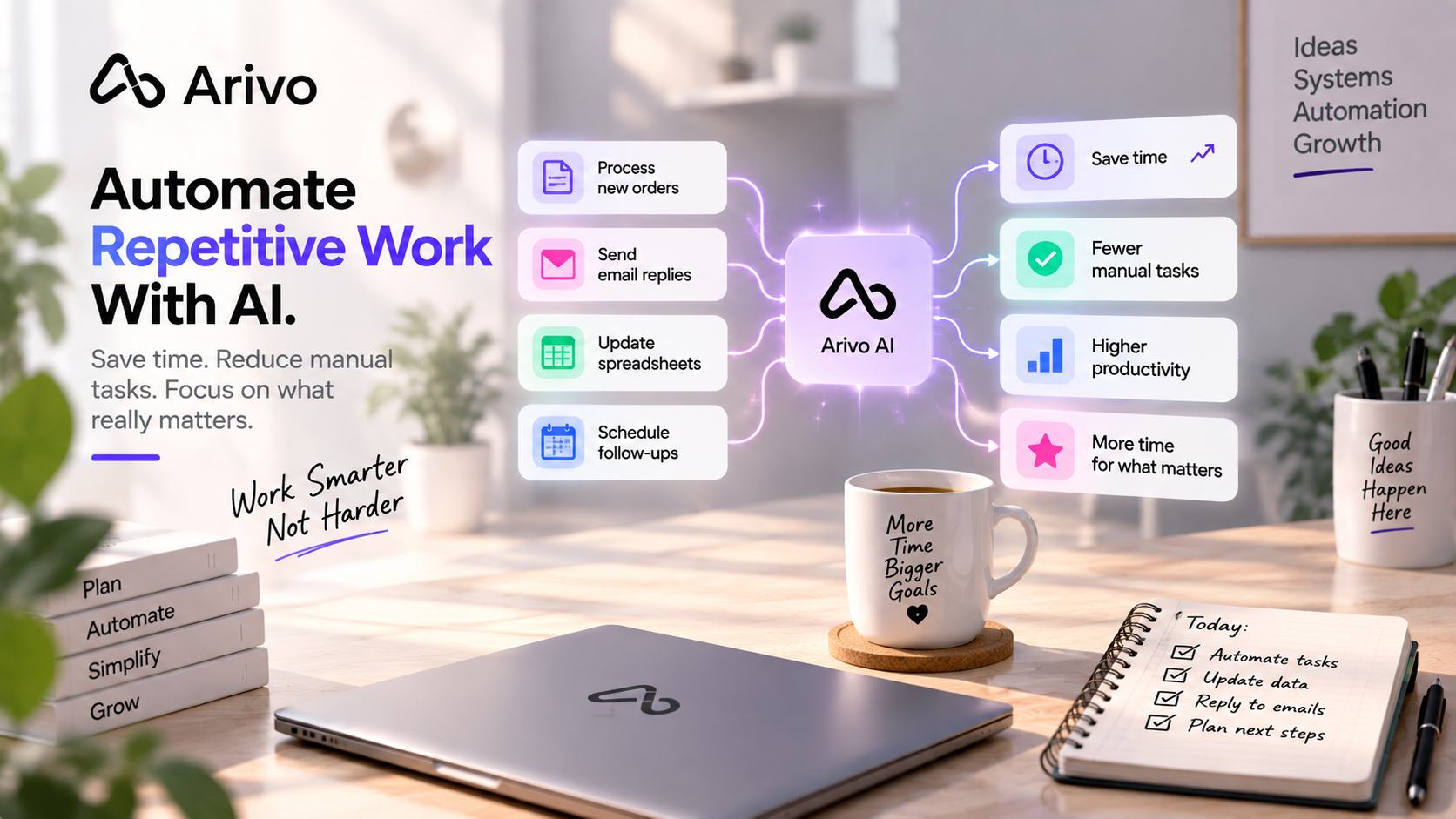
A simple workflow could:
- collect the message;
- identify the important information;
- categorize the request;
- create a task;
- prepare a draft response;
- send the result for review.
Instead of completing every step manually, AI prepares the work and you review the important parts.
An AI work assistant can be especially useful here because it can help work across tasks, information, documents, and workflows instead of only answering isolated questions.
5. Keep Human Review Where It Matters
Automation should save time without reducing quality.
When you first automate a process, check the results carefully.
Make sure the AI:
- understood the information correctly;
- followed the expected steps;
- included the important details;
- did not make incorrect assumptions;
- produced a useful result.
You should be especially careful with customer communication, financial information, contracts, sensitive data, and important business decisions.
The goal is not to remove people from every process.
A good automation handles repetitive work while leaving judgment and responsibility with the right person.
6. Measure Whether the Automation Actually Saves Time
Automation is only useful if it makes the process better.
After using a workflow for a while, compare it with the old manual process.
Ask:
How long did this task take before?
How long does it take now?
How often do I need to correct the result?
Is the workflow actually reducing manual work?
If the automation creates more work than it removes, simplify it.
A small workflow that reliably saves 20 minutes every day can be more valuable than a complicated system that constantly needs attention.
Practical Examples of AI Automation
You can use AI automation in many everyday situations.
Customer communication
AI can organize incoming requests, identify the topic, and prepare a draft response for review.
Documents
AI can summarize long documents, extract key information, organize notes, and create first drafts.
Spreadsheets and data
AI can help clean data, explain results, identify patterns, suggest formulas, and prepare summaries.
For more examples, see how to use AI with Google Sheets.
Content creation
Notes or ideas can be turned into outlines, social media drafts, product descriptions, or first versions of longer content.
Meetings
Meeting notes can be converted into decisions, tasks, deadlines, and follow-up actions.
Reporting
Recurring data can be organized and turned into a short report or summary before human review.
The best automation is usually not the most complicated one. It is the one that removes a task you repeatedly spend time doing manually.
What Should You Not Automate Completely?
Not every task should run without human involvement.
Be careful with processes involving:
- important financial decisions;
- contracts or legal information;
- sensitive customer data;
- major business decisions;
- communication where context and judgment matter.
AI can still help organize information or prepare a first draft, but the final decision should remain with the appropriate person.
Automation should support better work, not remove necessary judgment.
Start With One Repetitive Task
You do not need to redesign your entire way of working.
Choose one repetitive task.
Write down the steps.
Identify the most predictable part.
Let AI help with that part first.
Then review the result and decide whether another step should be automated.
Small improvements can add up quickly when the same task happens every day or every week.
If your broader goal is to save time and improve your daily workflow, read our guide on how to be more productive using AI.
Frequently Asked Questions
What repetitive tasks can AI automate?
AI can help automate tasks such as organizing information, summarizing documents, drafting routine emails, categorizing data, preparing reports, creating first drafts, and turning information into actionable tasks.
How do I know if a task should be automated?
A task is usually a good candidate when it happens frequently, follows predictable steps, has a clear result, and does not require complex human judgment every time.
What is the best task to automate first?
Start with a simple task that you repeat often and that takes time without requiring much decision-making. Summaries, information organization, recurring reports, and routine communication are often good places to start.